The humble door lock is getting a serious upgrade. Smart locks have been around for a few years, but 2026 marks a tipping point — the technology has matured to the point where going keyless is no longer a compromise. It's genuinely more convenient and more secure than traditional locks.
Whether you're building a new home, upgrading your rental, or just tired of fumbling for keys, here's everything you need to know about smart locks in 2026.
Why Smart Locks Are Finally Worth It
Early smart locks had a reputation for being finicky, unreliable, and easy to hack. That's changed dramatically. Modern smart locks have addressed the three biggest complaints:
- Battery life now stretches to 12 months or more on standard batteries
- Connectivity is faster and more reliable, with ultra-wideband (UWB) and Thread protocols replacing sluggish Bluetooth-only connections
- Security has improved with end-to-end encryption, biometric verification, and tamper detection
The result is a lock that genuinely works better than a traditional deadbolt in almost every measurable way.
How Modern Smart Locks Work
Today's smart locks use several technologies, often in combination:
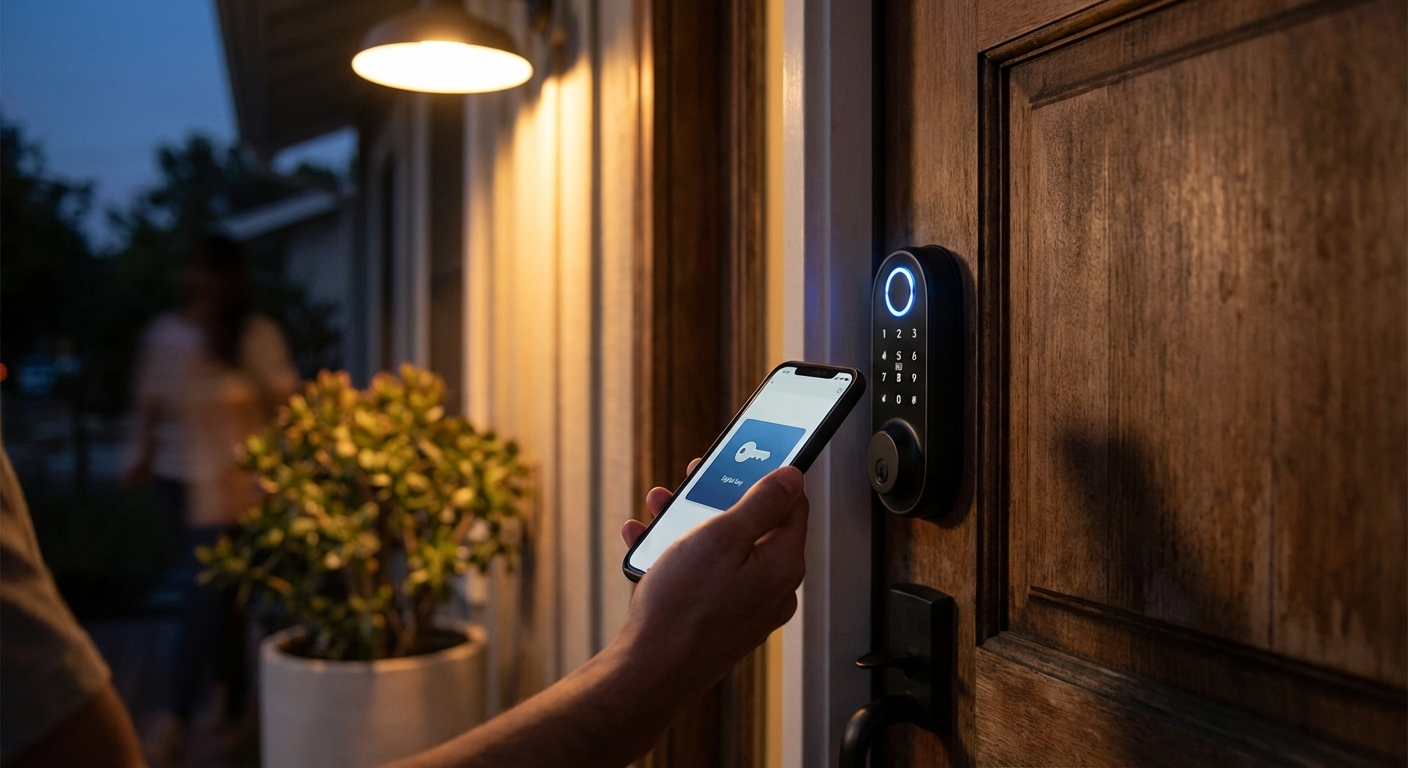
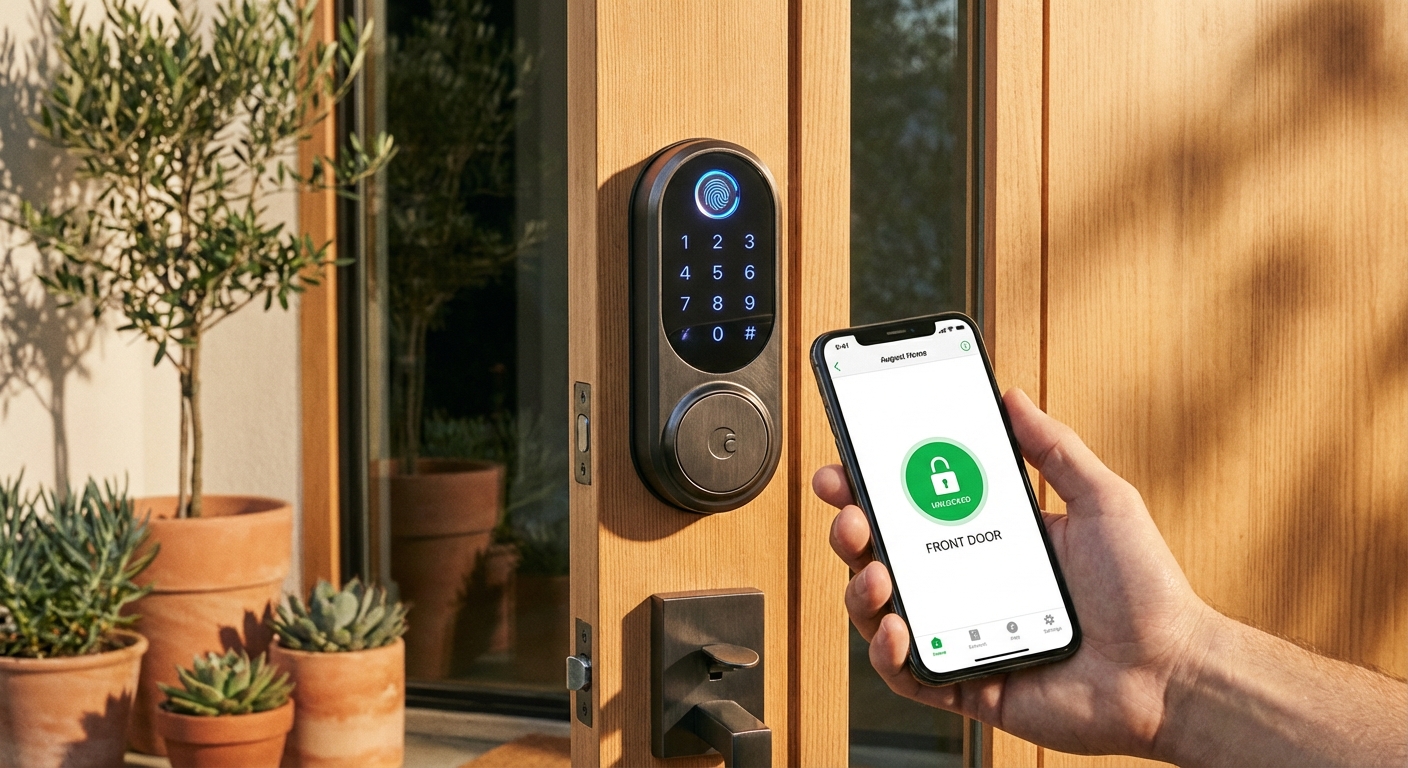
Ultra-Wideband (UWB) Proximity Sensing — This is the big trend for 2026. UWB-enabled locks detect your phone or watch as you approach and unlock automatically when you're within a few feet. Unlike Bluetooth, UWB is extremely precise about distance, so the lock won't accidentally open when you're just walking past your door.
Biometric Authentication — Fingerprint readers have become standard on mid-range and premium locks. The latest models scan in under half a second and store prints locally on the device rather than in the cloud.
Wireless Energy Harvesting — Some cutting-edge locks are eliminating batteries entirely, using infrared optical systems or kinetic energy from the door handle to power themselves. No more dead batteries locking you out.
Matter and Thread Compatibility — The smart home interoperability standard Matter has reached critical adoption in 2026. Locks that support Matter work seamlessly across different ecosystems, so you're not locked into a single app or voice assistant.
Choosing the Right Smart Lock for Your Situation
Not all smart locks are created equal. The best choice depends on your living situation:
For Homeowners:
- Look for a lock with multiple authentication methods (UWB, fingerprint, keypad, and physical key backup)
- Choose Matter-compatible models for future-proof smart home integration
- Consider locks with built-in cameras or doorbell integration for complete entry monitoring
For Renters:
- Retrofit locks that fit over your existing deadbolt are ideal — no drilling, no landlord issues
- Battery-powered models avoid any wiring complications
- Make sure you can remove it cleanly when you move out
For Vacation Rentals and Shared Spaces:
- Keypad locks with temporary code generation are essential
- Look for remote management features so you can grant and revoke access from anywhere
- Auto-lock timers ensure guests don't accidentally leave the door unlocked
Security Features That Actually Matter
With any connected device, security is a valid concern. Here's what to look for:
- Local processing — Locks that authenticate on-device rather than requiring a cloud connection are both faster and more secure
- Encrypted communication — All wireless communication between the lock and your phone should be encrypted end-to-end
- Tamper alerts — Good locks will notify you immediately if someone tries to force or manipulate the lock
- Automatic locking — Set your lock to re-engage after a specified time so you never accidentally leave your home unsecured
- Physical key backup — Even the best smart lock should have a physical key option for emergencies. Avoid models that eliminate this entirely
Common Concerns Addressed
"What if the battery dies?" Most modern smart locks give weeks of low-battery warnings via app notifications. Many also support emergency power via a standard USB-C cable held to a port on the exterior. And a physical key backup means you're never truly locked out.
"Can hackers unlock my door?" While no technology is unhackable, modern smart locks with UWB and encrypted communication are actually harder to pick or bypass than most traditional locks. The real-world risk is extremely low.
"What about power outages?" Smart locks run on their own batteries, so home power outages don't affect them at all. Your lock keeps working even if your Wi-Fi router goes down.
"Will it work in extreme weather?" Look for locks rated for your climate. Most quality smart locks are rated for temperatures from -20°F to 120°F and are weather-sealed against rain and humidity.
Installation Tips
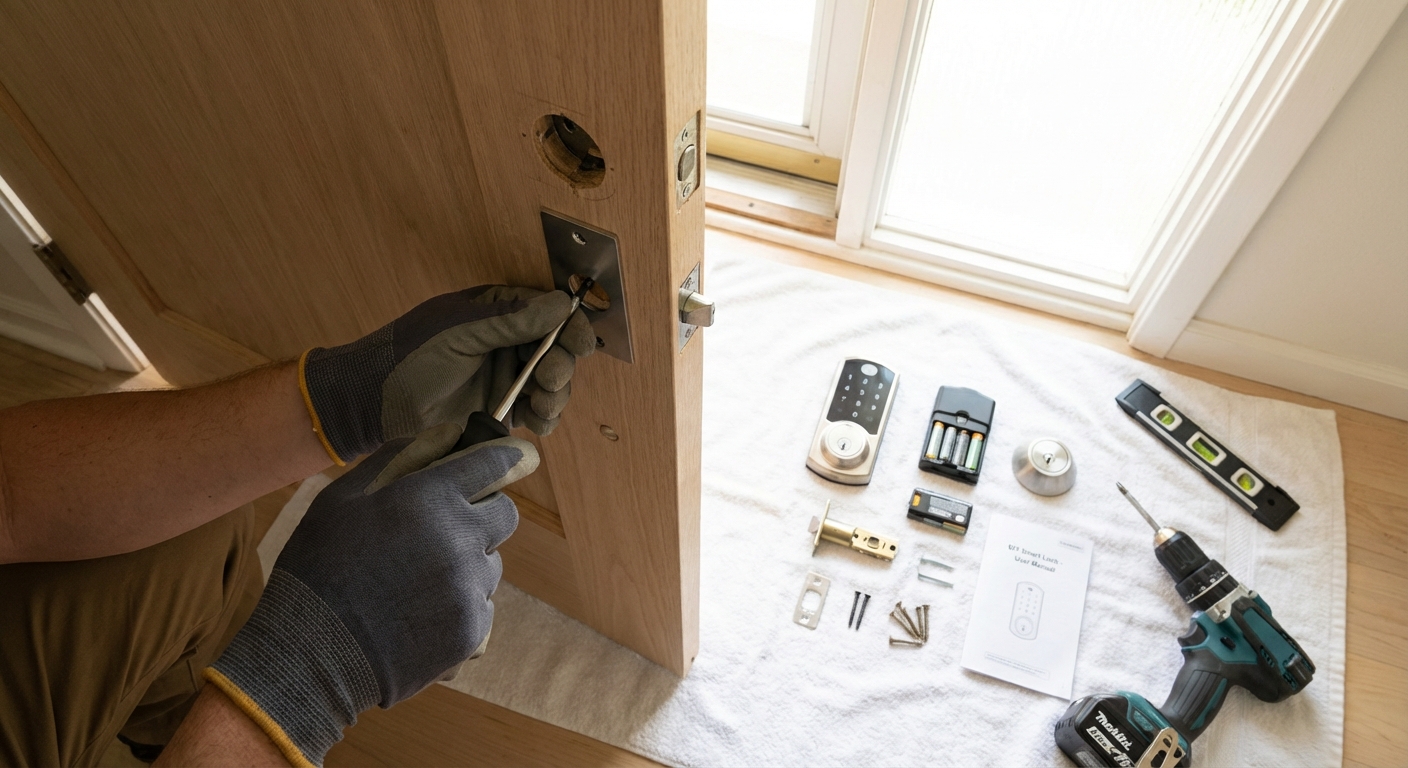
Most smart locks are designed for DIY installation and take 15 to 30 minutes:
- Measure your door first — Check door thickness, backset distance, and bore hole size. Most locks include a sizing guide
- Keep your old lock nearby during installation in case you need to reinstall it temporarily
- Test all authentication methods before closing the door for the first time
- Set up the companion app and configure auto-lock, notifications, and any smart home integrations right away
- Register all household members' fingerprints and phones during initial setup
What's Coming Next
The smart lock space continues to evolve rapidly. Trends to watch include facial recognition for hands-free entry, integration with delivery services for secure package drop-off inside your home, and AI-powered anomaly detection that can distinguish between family members, expected guests, and potential intruders based on behavior patterns.
For most people, 2026 is the right time to make the switch. The technology is reliable, the prices have come down significantly, and the convenience of never carrying a house key again is hard to overstate.